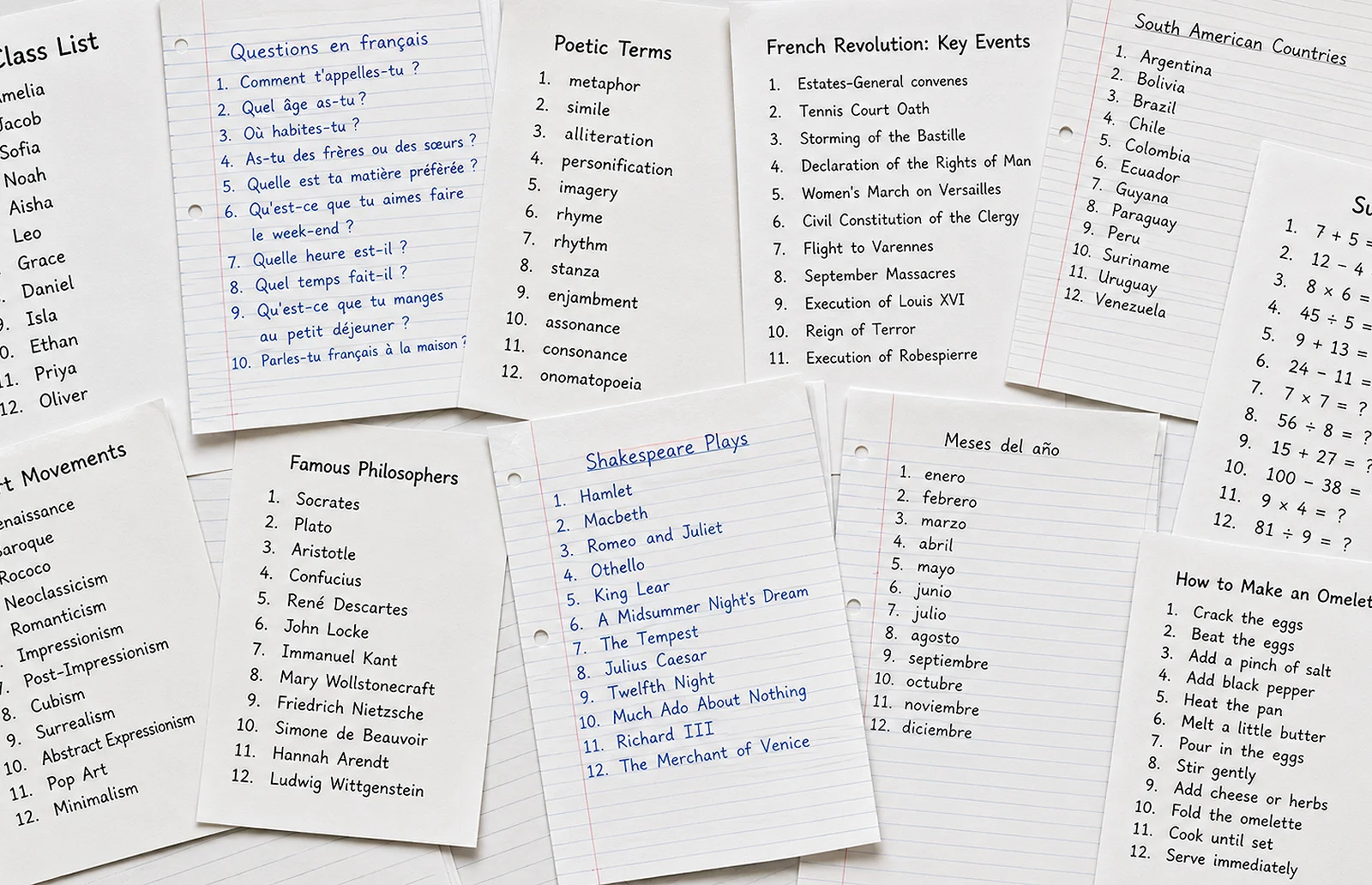
Turn a simple list into 19 classroom activities.

Type any list for your class. Use it in activities that support retrieval practice, discussion, debate and deeper thinking.
And lists are just the start...

Free to start Easy to share Works on any device

Scroll to try some activities
0:00 / 0:00

Watch a list become a classroom activity in seconds.

1 · Free, forever

Start with a List

Make simple lists for your class. For example: vocabulary, questions, names, key words or short tasks.

Open the same list again and again in a library of activities for starters, retrieval practice, discussion, debate and revision. Use it for whole-class teaching or share it with students using a simple link or code.

Try this...

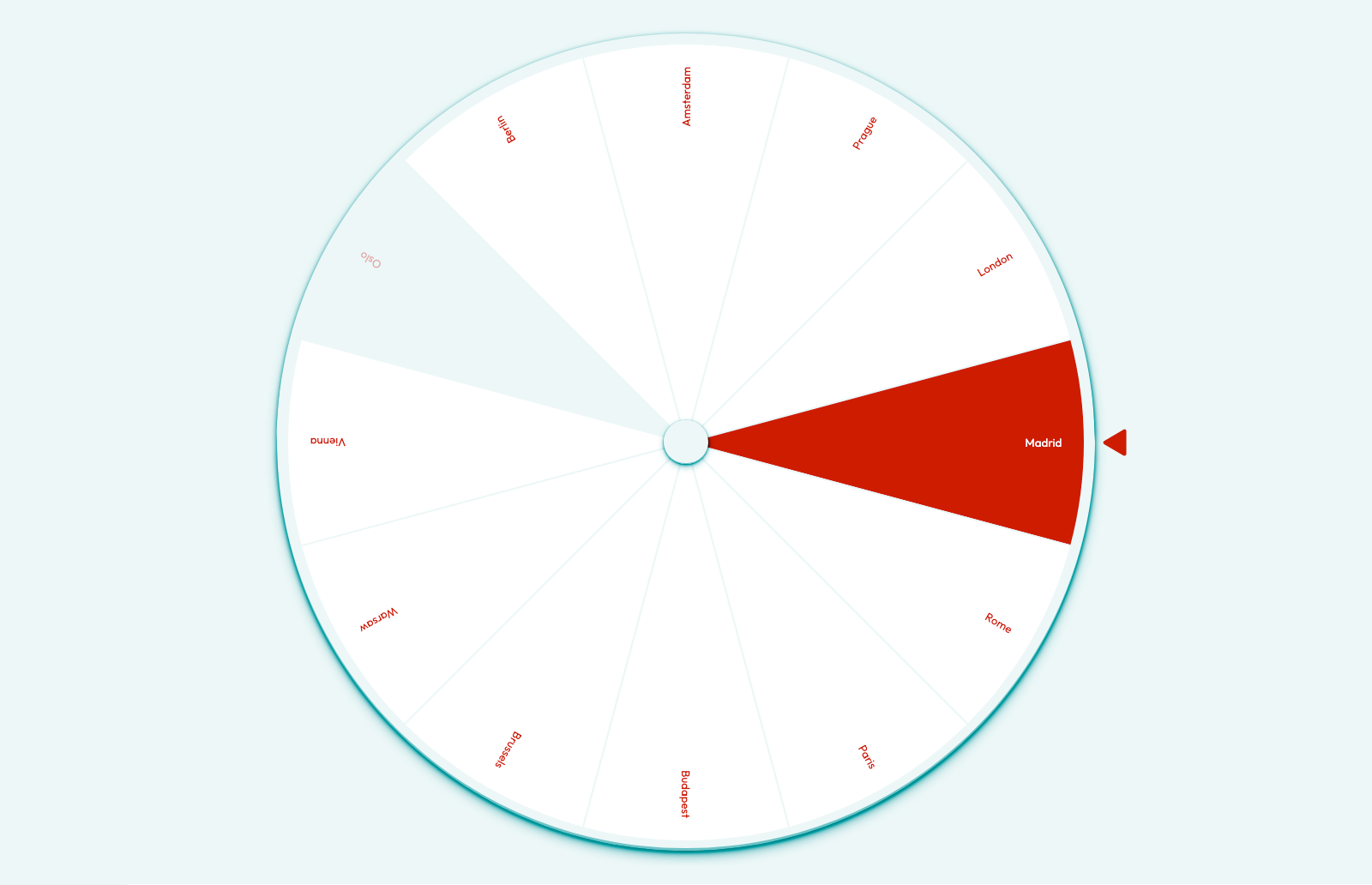
Save a list of names, key words or places, then spin to pick one at random. Perfect for quick starter activities.

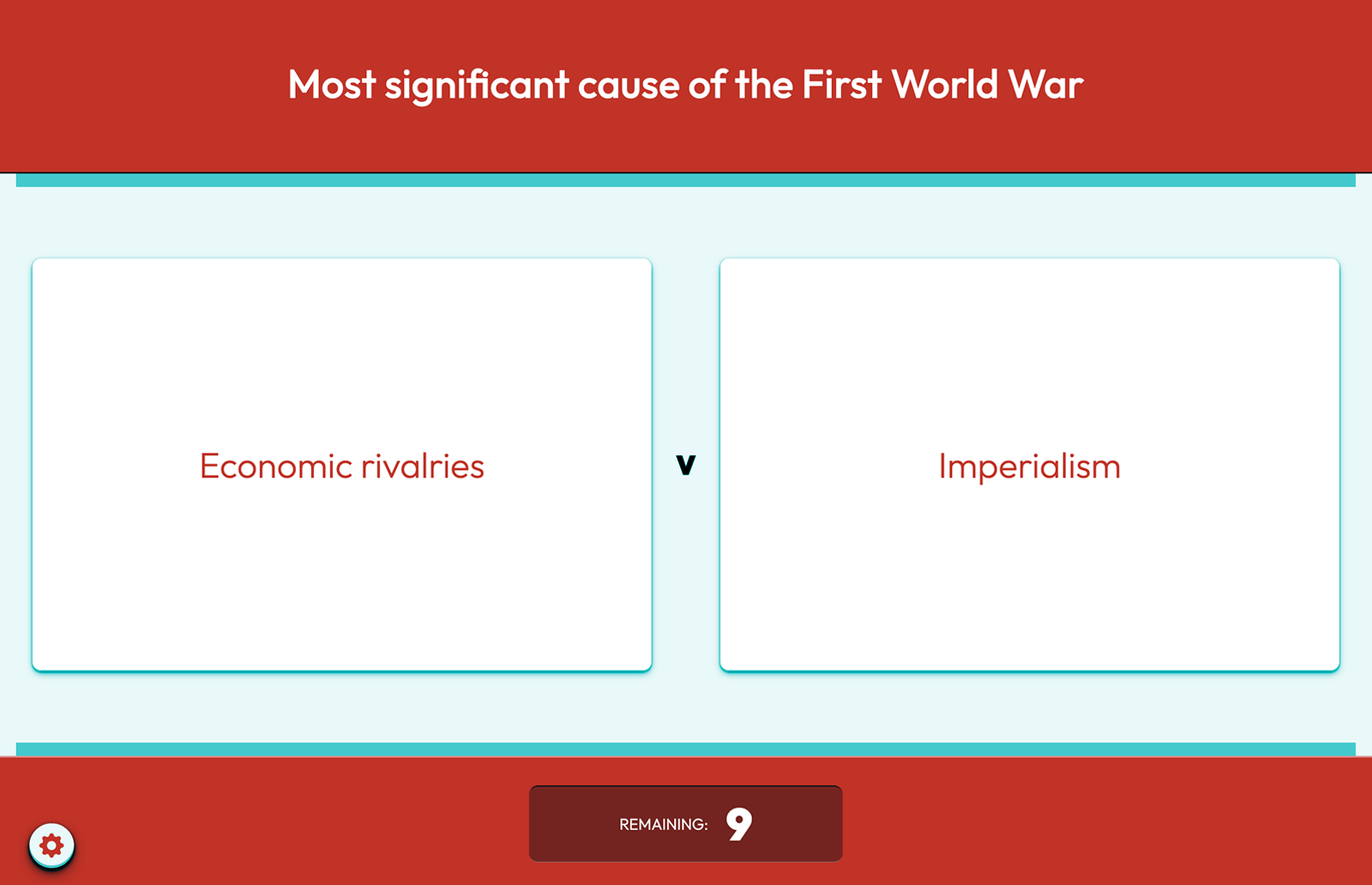
Make a list of contributing factors to an event. Discuss them as a class, removing one at a time until only the strongest remains.

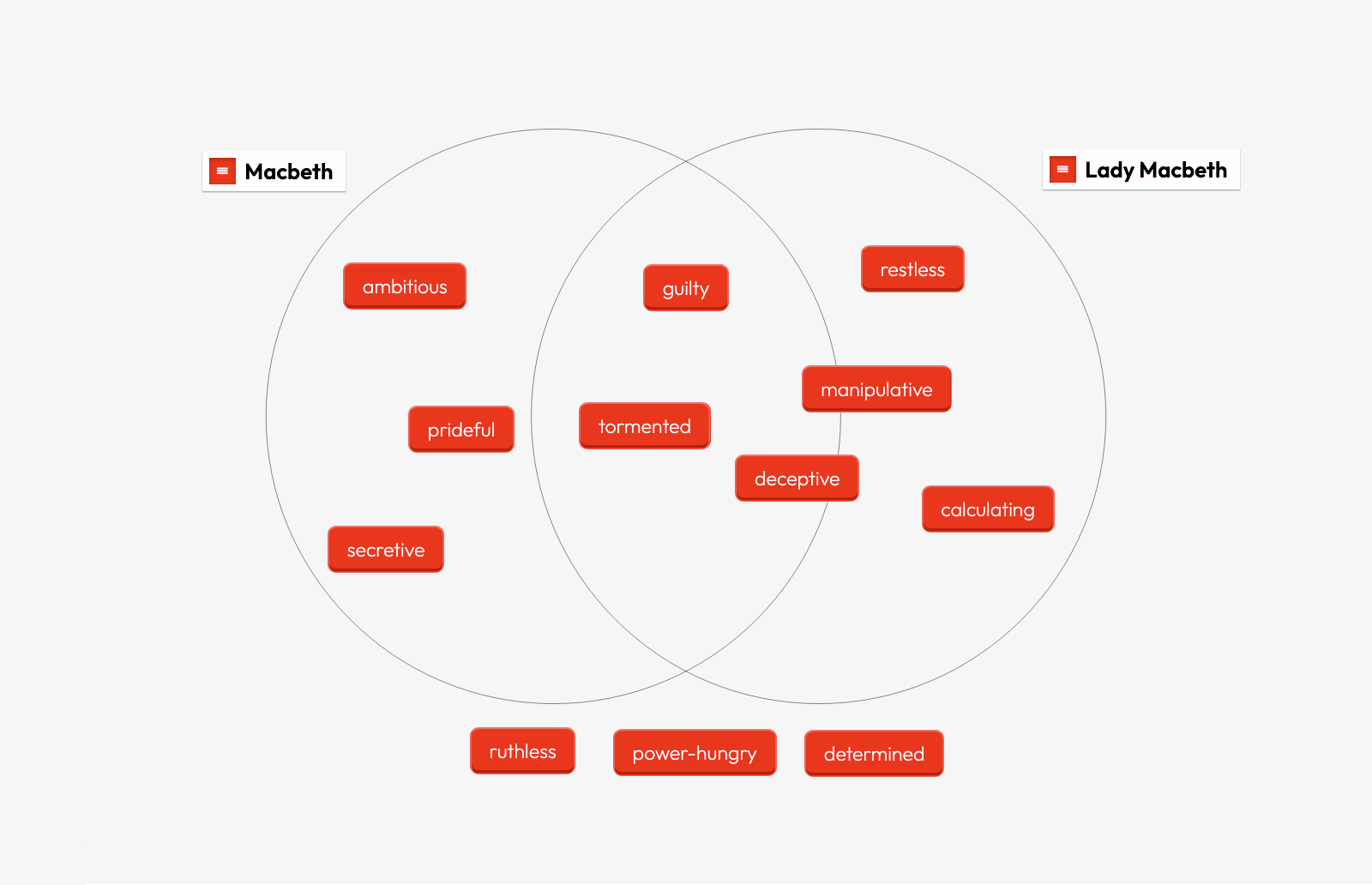
Make a list of characters in a novel. Two are displayed: students identify similarities and differences and justify their ideas.

A Triptico list opened with the Spinner activity. A Triptico knockout activity ranking items from a list. A Triptico Venn activity comparing two characters, built from a list.
Spin to Select Rank by Knockout Compare Two Characters

2 · When you’re ready for more

Go further with Plus

Start with the simplicity of lists, then add more depth when you need it.

Add images, extra content and flexible settings to build richer classroom resources, with greater control over how each activity works.

Try this...

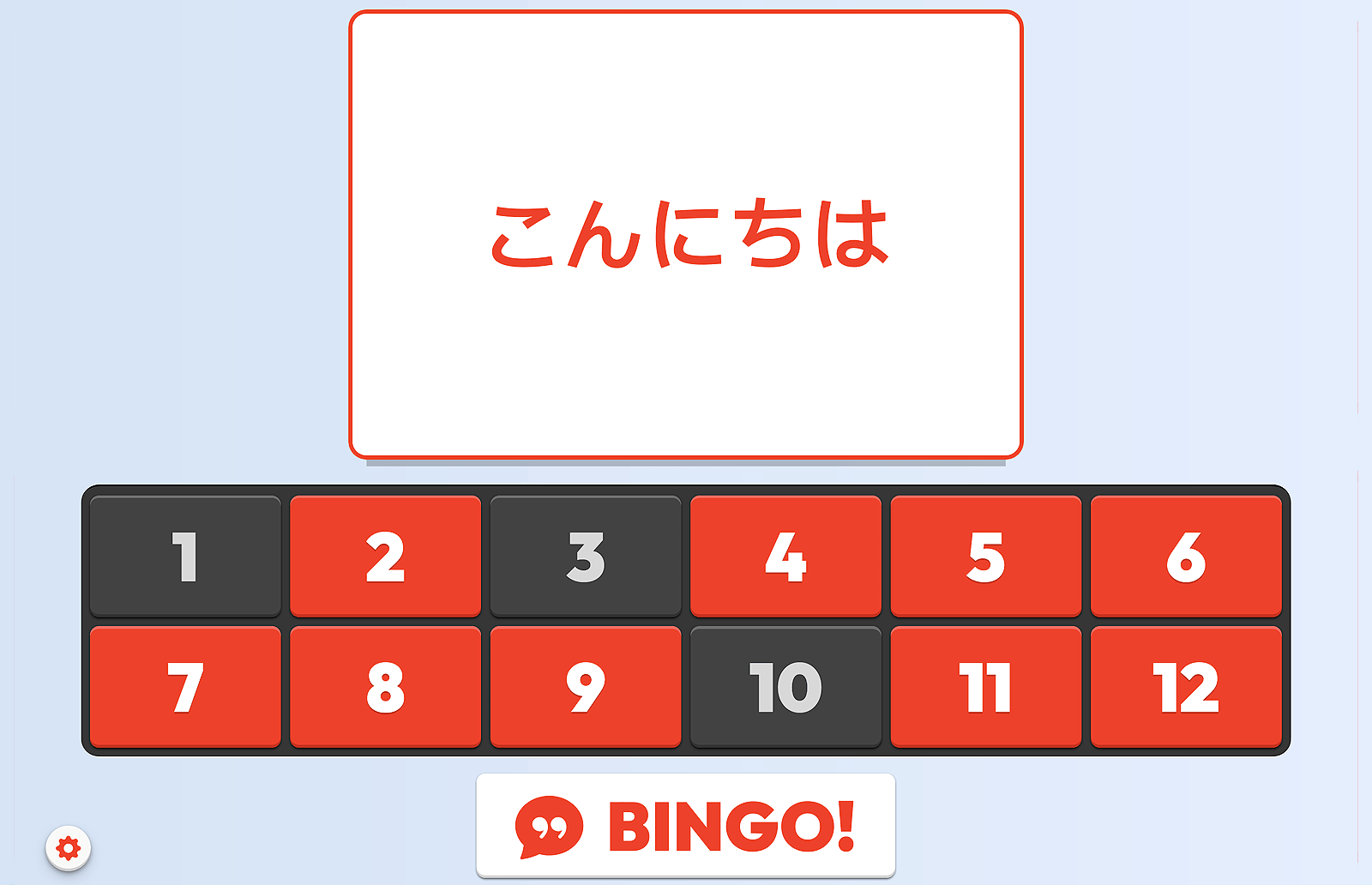
Set up your clues and answers, then give every student a bingo card. Call the clues; the first to clear their card wins.

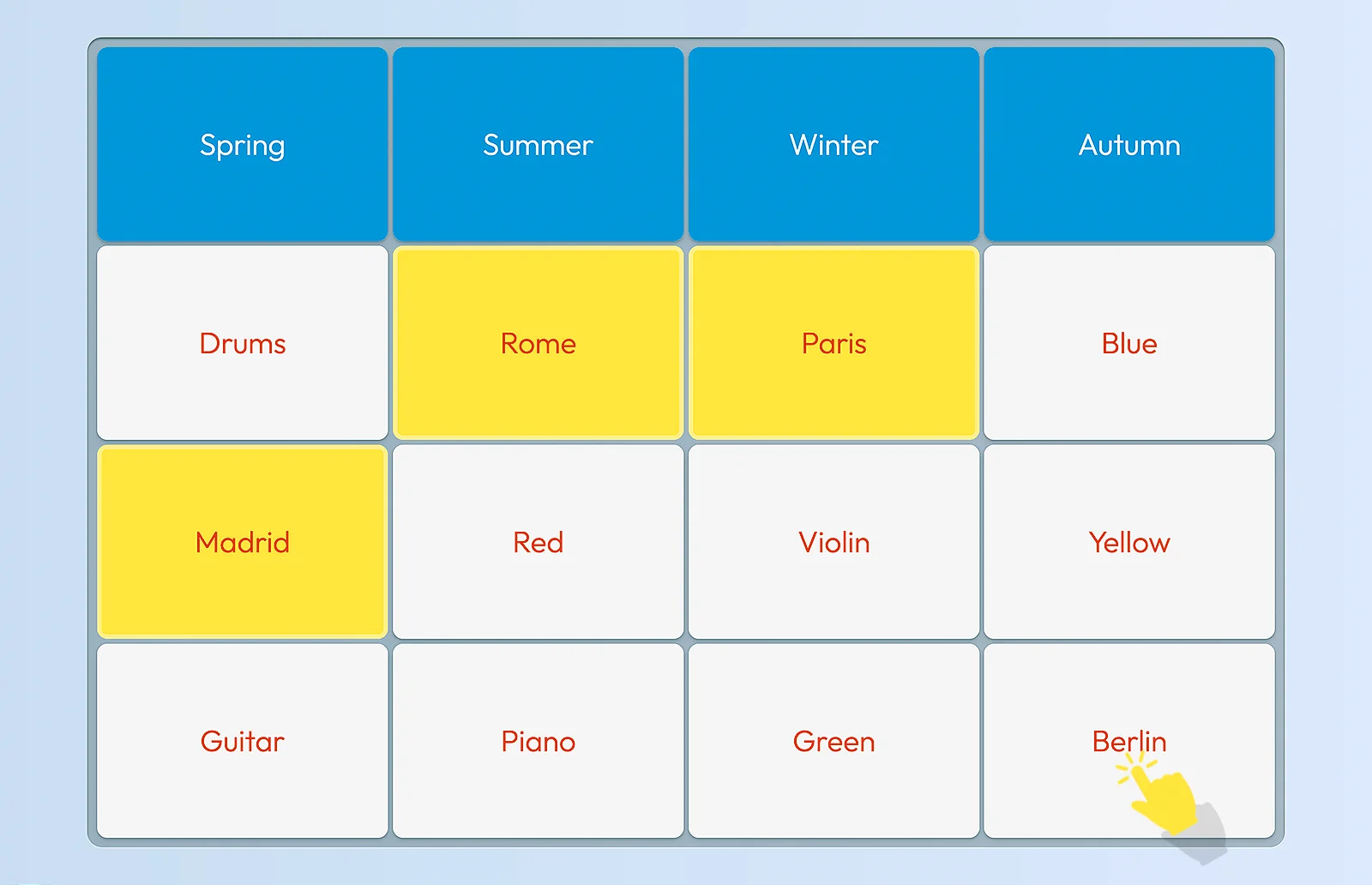
Build sixteen items into four hidden groups. Students find the connections and explain what links each one.

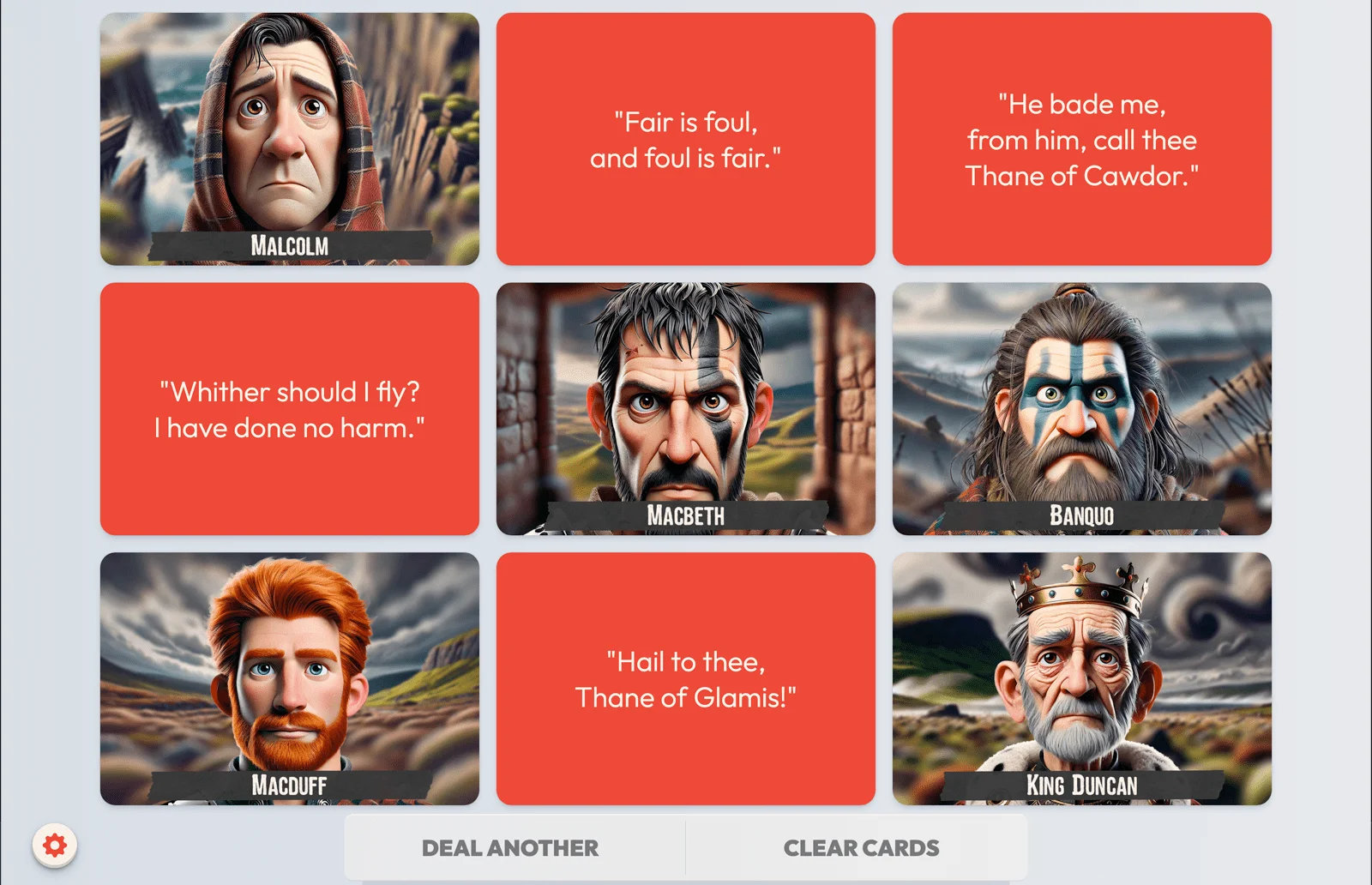
Make cards with a front and a back — text, images or both — then deal them out and flip to reveal and discuss.

A Triptico Plus bingo activity. A Triptico Plus connections activity. A Triptico Plus board activity dealing two-sided cards of text and images.
Vocabulary Bingo Find the Connections Deal and Reveal

3 · Bring everything together

Build Lessons

Move beyond static slides, with presentation software purpose-built for teachers and made to involve students.

Create interactive lessons using slide templates for images, multiple-choice questions, live voting and more. Add your own List or Plus activities directly into the lesson, then present, reuse and share it with students.

Sample Lesson

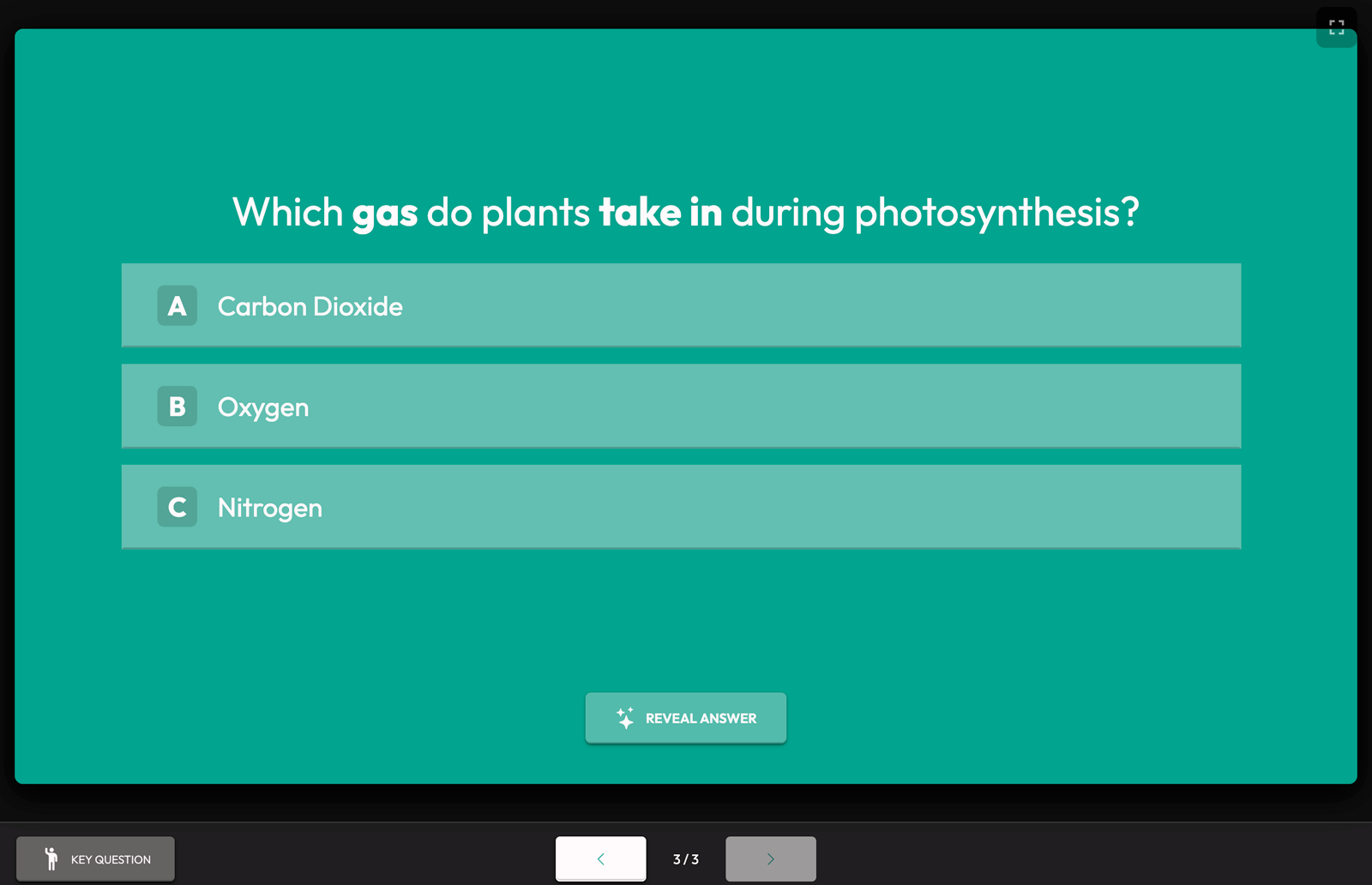
Open a complete example lesson to see how different slide types work together. See how you can move from questions to activities to class voting, then share the whole lesson with students.

A slide from a complete Triptico lesson.
A Complete Lesson
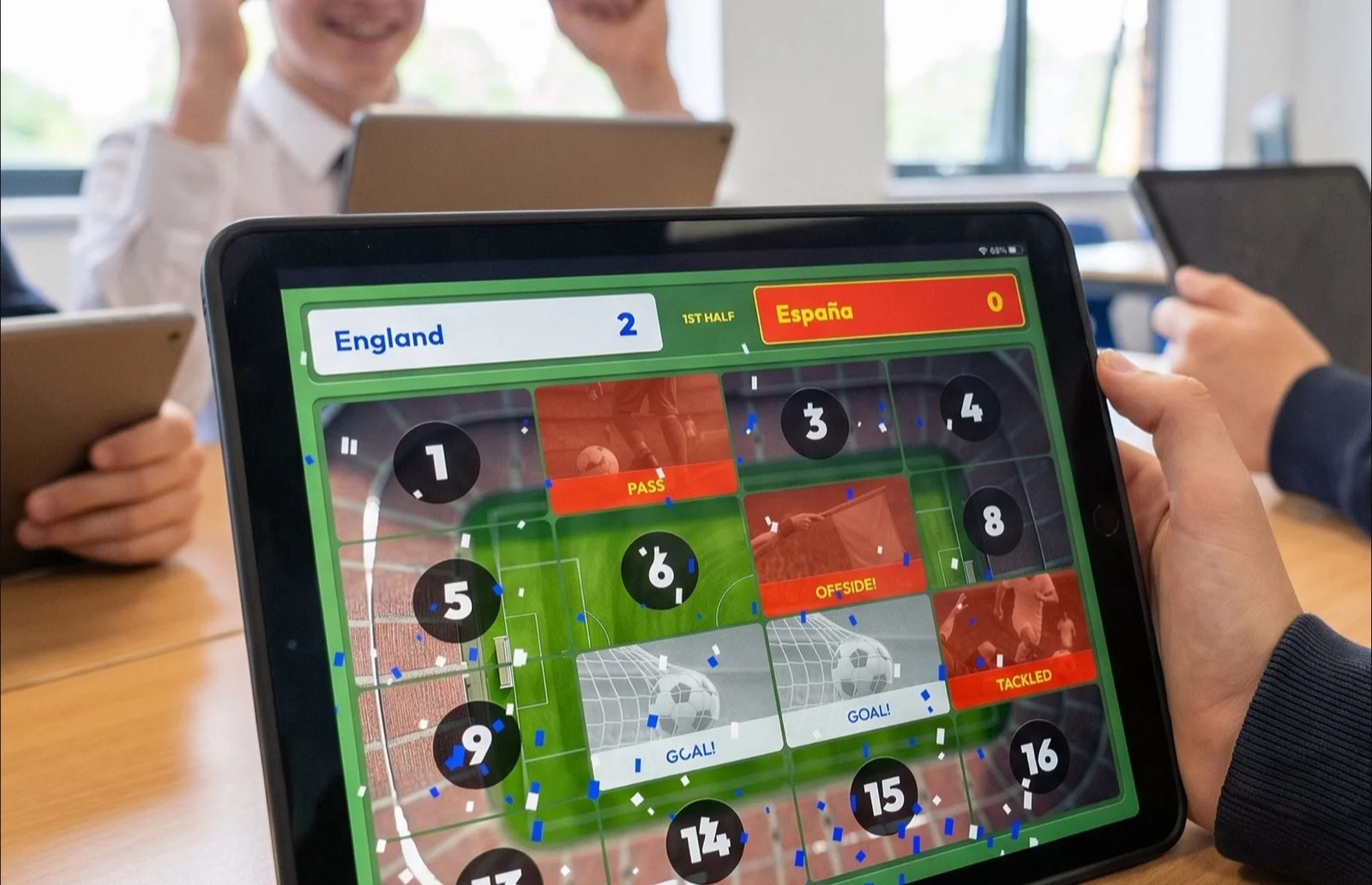
A class engaged in a Triptico activity.

For any classroom

Use Triptico with any subject, in any language and with any age or ability of learner.

Start with a simple list, build richer resources when you need them, then bring everything together in a complete lesson. Everything is saved and ready whenever you need it.

  • Any Subject
  • Any Language
  • Any Age or Ability

Loved by teachers around the world

“The ability to use the same content across multiple Triptico activities is a real time-saver, and the Lesson Builder has been a game-changer too. There’s instant engagement from students the moment the Triptico blue appears on the screen!”
Jenny · France
“Five minutes or less is all it takes to create a powerful learning activity that can be reused for retrieval practice or as an in-depth teaching tool. I’d 100% recommend Triptico to other teachers — I genuinely don’t know how I’d teach without it!”
Andrew · UK
“Triptico lets me create one list and reuse it across multiple activities with a single click. It keeps my learners engaged and saves class time. I’d 100% recommend it to other teachers — my students love it!”
Amy · USA
“After two decades of teaching, Triptico is one of the most user-friendly tools I’ve encountered. Its resources have had a tremendous impact on my students.”
Rebecca · UK
“Triptico is a creative way to engage students, and really helps those who struggle to participate. I’ve used it with younger and adult learners alike — the reaction is always the same: a vibrant buzz in both the face-to-face and online classroom.”
Glenn · Canada
“Triptico’s resources are engaging for students and easy to create — my students enjoy quizzes based on unit vocabulary and ask for them to be shared for independent study. It’s the best online tool for me and I use it every day in the classroom.”
Kathryn · Australia

Questions teachers ask

The things schools want to know before they start.

Do students need accounts or logins?

No. Students join an activity with a simple link or code — there are no student accounts, no passwords and nothing for them to sign up for. That keeps things fast in the classroom and keeps pupil data to an absolute minimum.

Is it safe for schools and GDPR-compliant?

Yes. Because students don’t create accounts, very little personal data is involved. We publish a full Data Processing Agreement for schools, alongside our Privacy Policy, and can provide a countersigned copy for your records on request.

Is there really a free version?

Yes — List activities are free, forever, with no card required. Add Plus activities and Lessons for £2.99 a month whenever you’re ready. There’s no contract and you can cancel anytime.

Will it work on our school devices?

Triptico runs in the browser, so there’s nothing to install. It works on interactive whiteboards, laptops, Chromebooks, tablets and phones — anything with a modern web browser.

Can a whole department or school use it?

Yes. As well as individual accounts, there are Department and whole-school plans. Staff join with their school email address and share access across the team. No admin required. and we’ll set it up.

Simple pricing

Lists are free, forever. Add Plus activities and Lessons for £2.99 a month. No contract. Cancel anytime with one click. Department and whole-school plans available.

Ready to try Triptico with your class?

Create a free account and build your first activity in minutes.

About

Triptico is designed and developed by David Riley, a qualified teacher from the UK.

I originally built Triptico to make my own classroom more interactive and engaging. It has since grown into a set of tools used by teachers and students worldwide, with new features and activities added regularly.

Please get in touch if you have any questions or feedback.

David Riley

Contact David

Questions, ideas, feedback and feature requests are very welcome — I read every message personally and reply as quickly as I can.

Choose the plan that suits you

Lists are always free. Add Plus activities and Lessons whenever you’re ready.

Lists

Free

Create and share list-based activities.

  • List activities
  • Share with a link or code
  • Free forever

Department

£79.99 / year

For a team of teachers.

  • Everything in Individual
  • Shared across a department

All Staff

£149.99 / year

Unlimited teachers at one school.

  • Everything in Individual
  • Whole-school access
  • Join via school email

Every plan starts with a free account — upgrade in the app whenever you’re ready. No card required. Students never need an account.